A modern retail store depends on much more than a cash register. Customers may discover a product online, check its availability on a phone, visit a physical store, request home delivery, or return an online purchase at a local branch. Managing these activities with separate systems creates unnecessary work and increases the risk of inaccurate inventory, disconnected customer records, and reporting errors.
This is why modern point of sale systems have evolved into operational platforms rather than simple payment tools. A well-designed POS can connect sales, inventory, payments, customers, employees, returns, purchase orders, and reporting. For retailers, the important question is no longer simply whether a system can process a transaction. The better question is whether the system can maintain reliable information across the entire retail operation.
The most useful way to evaluate a POS is therefore to look beyond the checkout screen. Retailers should examine how accurately the system handles everyday workflows, how easily employees can use it, how well it connects physical and digital sales, and how effectively it protects sensitive information.
What Is a Modern Retail POS System?
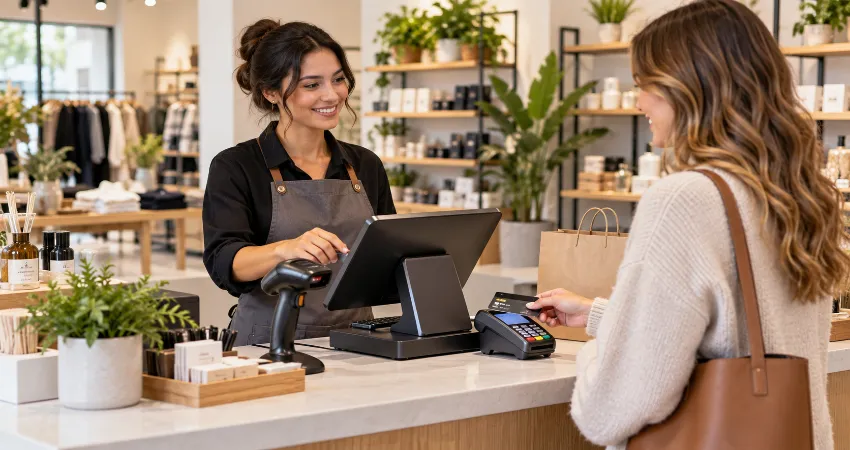
A point of sale system is the combination of software and hardware used to complete in-person transactions and manage related retail activities. Typical hardware may include a tablet or computer, payment terminal, barcode scanner, receipt printer, cash drawer, and customer-facing display. The software controls products, prices, transactions, inventory records, customer information, employee permissions, and reports.
Cloud-based systems have changed the role of POS technology significantly. Instead of keeping important data on a single register, many modern platforms synchronize information across stores, warehouses, ecommerce channels, and mobile devices. This allows managers to monitor operations without being physically present at every location.
The POS Should Be the Store’s Operational Connection Point
A useful way to think about a modern POS is as the connection point between what the customer sees and what the retailer needs to know. A completed sale should not simply produce a receipt. It should also adjust available inventory, record the transaction, update relevant customer information when appropriate, contribute to sales reporting, and provide accurate data for future purchasing decisions.
This connected approach becomes especially valuable as a retailer grows. If staff members must manually update stock after online orders or reconcile several unrelated systems at the end of each day, operational complexity rises quickly. A strong POS reduces this duplication by allowing one transaction to update multiple parts of the business automatically.
Real-Time Inventory Management Matters
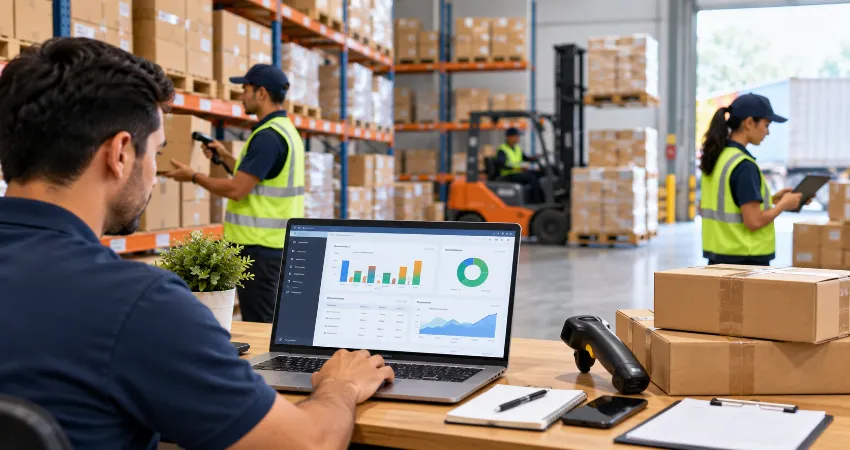
Inventory accuracy is one of the most important capabilities of a retail POS system. Every sale, return, transfer, and stock receipt can affect the quantity available for customers. Modern systems can update these numbers automatically and may provide low-stock alerts, purchase order management, stock counts, and multi-location inventory visibility.
This is particularly important for retailers that also sell online. A shopper who sees an item listed as available expects that information to be reasonably accurate. Connected inventory can reduce situations in which a product is sold online even though the last unit was already purchased inside the store. Retail technology development is increasingly focused on connecting systems and using more timely operational data, making inventory accuracy a strategic issue rather than a simple back-office task.
Omnichannel Retail Changes What a POS Must Do
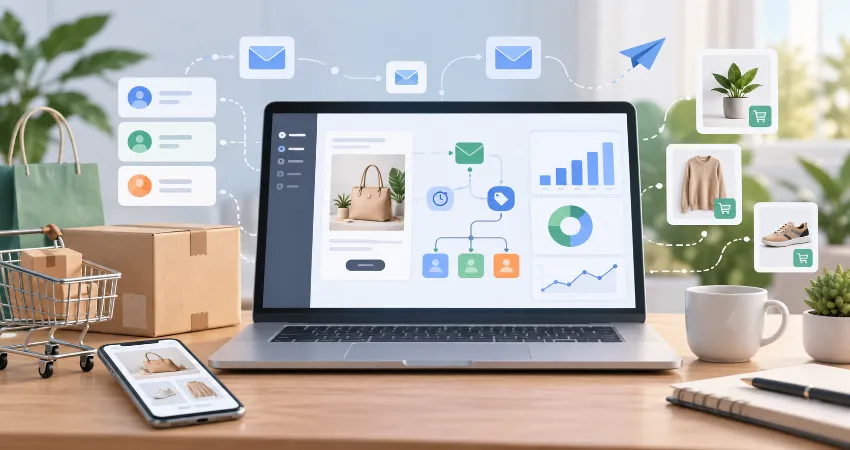
Retail stores increasingly participate in fulfillment as well as selling. A physical location may prepare an online order for pickup, ship an item to a customer’s home, accept a return originally purchased online, or locate inventory at another branch. These workflows require information to move reliably between ecommerce and store systems.
Modern POS platforms increasingly support functions such as buy online and pick up in store, buy in store and ship to the customer, cross-location inventory lookup, and centralized returns. The practical benefit is consistency. Customers should not need to understand a retailer’s internal technology structure simply to complete a purchase or return.
Fast Checkout Is Still Important
Although modern POS technology covers many functions, checkout remains one of its most visible responsibilities. A complicated interface can create queues, employee mistakes, and unnecessary frustration. Staff should be able to find products, scan barcodes, apply authorized discounts, accept supported payment methods, issue receipts, and process returns without navigating through confusing menus.
Mobile POS devices can also move transactions away from a traditional counter. Depending on the retail environment, employees may check inventory or assist a customer while walking through the store. The best setup is not necessarily the one with the most hardware. It is the configuration that matches the actual customer journey and daily workflow.
Plan for Internet and Service Interruptions
Retailers should ask what happens when the internet connection fails. Some modern platforms offer offline payment functionality under specific conditions, storing supported transactions temporarily and processing them after connectivity returns. However, offline capabilities often have restrictions and may involve additional operational considerations.
Before choosing a platform, retailers should test the exact outage workflow rather than relying on a general statement that offline mode is supported. Employees should understand which payment methods remain available, how long offline transactions can remain pending, and what procedures should be followed when connectivity returns.
Customer Profiles Should Improve Service, Not Create Clutter
A connected POS can maintain customer purchase histories, contact details, preferences, and order records when customers choose to provide relevant information. This can make service more useful. For example, an employee may be able to locate an earlier purchase when handling a return or help a customer identify a previously purchased product.
Retailers should collect information because it supports a defined business purpose, not simply because the software makes collection possible. Access permissions, retention practices, privacy obligations, and staff training should be considered whenever customer information is stored.
Employee Permissions and Accountability
A modern POS should distinguish between different employee responsibilities. A sales associate may need to process transactions, while a manager may require permission to approve certain discounts, review detailed reports, modify products, or perform administrative actions.
Role-based permissions help keep workflows simple while reducing unnecessary access. Retailers should also examine audit information that shows important activities such as returns, price changes, discounts, voided transactions, and administrative modifications. The objective is not excessive monitoring. It is to maintain understandable and accountable store operations.
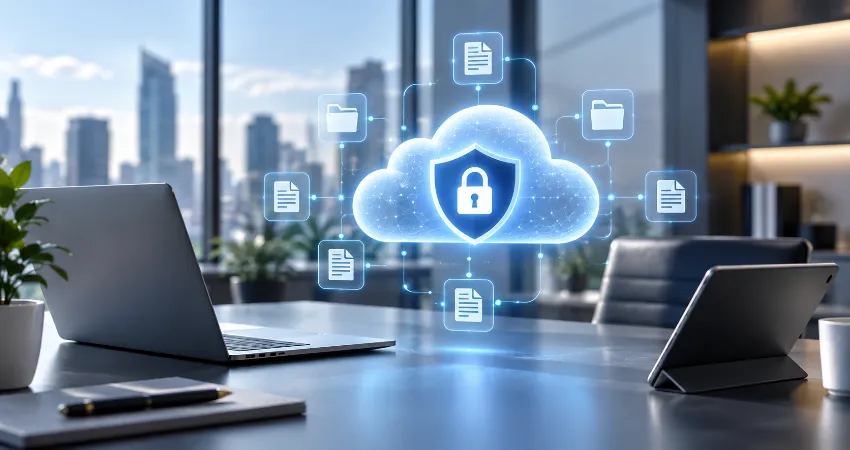
Payment Security Must Be Part of POS Selection
Payment security should be evaluated before deployment, not added later. PCI DSS v4.0.1 is the current PCI Data Security Standard version, and requirements that had previously been future-dated became effective on March 31, 2025. Retailers should understand which compliance responsibilities remain with them even when payment processing is handled by a technology provider.
Security concerns also extend beyond payment card information. Verizon’s 2025 retail-sector breach analysis reported 837 security incidents and 419 confirmed breaches in its dataset, with system intrusion, social engineering, and basic web application attacks representing the dominant breach patterns. This reinforces an important lesson: protecting a retail system requires attention to credentials, software access, integrations, employee practices, and connected systems as well as payment terminals.
Reporting Should Lead to Decisions
Retail reporting becomes useful when it answers operational questions. Retailers may need to know which products sell by location, when demand is strongest, which items are frequently returned, how stock moves between branches, or whether particular categories are losing margin.
A POS with clear reporting can reduce time spent assembling spreadsheets from disconnected systems. Before selecting a platform, retailers should request demonstrations using reports they would genuinely use. A long list of dashboards is less valuable than a smaller set of reports that managers can understand and act on.
How to Choose the Right POS System?
Retailers should begin with workflows rather than software feature lists. Document how products arrive, how inventory is counted, how customers purchase and return products, how ecommerce orders reach the store, how employees receive permissions, and how managers review performance. The POS should make these workflows simpler instead of forcing the business into unnecessary workarounds.
Then evaluate total cost rather than subscription price alone. Consider hardware, payment processing, additional locations, advanced inventory tools, integrations, support, installation, training, data migration, and possible future upgrades. A less expensive system can become costly if employees must repeatedly perform manual work outside it.
A Practical POS Evaluation Checklist
- Test normal sales, exchanges, refunds, discounts, and receipt workflows.
- Confirm how inventory updates after sales, returns, transfers, and online orders.
- Review multi-location and ecommerce synchronization requirements.
- Test the system during an internet interruption.
- Review employee roles, permissions, and approval controls.
- Confirm payment security responsibilities and relevant PCI requirements.
- Check how existing accounting, ecommerce, loyalty, or fulfillment tools integrate.
- Review data export options before committing to a platform.
- Ask employees to test the interface before full deployment.
- Calculate expected costs over several years, not only the first month.
FAQs About Retail POS Systems
1. What is the main purpose of a POS system in a retail store?
The main purpose is to process sales while accurately recording the information created by those transactions. Modern systems can also update inventory, maintain order records, support returns, manage staff access, record customer information when appropriate, and provide reports. For this reason, a modern POS often becomes one of the central operational systems in a retail business.
2. Does a small retail store need a modern POS system?
Even a small store can benefit when transaction volume or inventory becomes difficult to manage manually. The appropriate system does not need to be complex. A small retailer may need only dependable checkout, inventory tracking, basic reporting, and simple employee controls. The key is selecting technology that solves present problems without adding unnecessary complexity.
3. What hardware is normally required for a retail POS?
Requirements vary by store, but common components include a computer or tablet, compatible payment terminal, barcode scanner, receipt printer, and cash drawer. Some retailers also use customer displays, label printers, mobile devices, or dedicated inventory scanners. Hardware should be chosen around actual store workflows rather than purchased simply because it is available.
4. Can a POS system manage inventory automatically?
Most retail-focused platforms can automatically reduce recorded stock when products are sold and increase or adjust quantities after supported returns or inventory receipts. More advanced systems may also manage transfers, purchase orders, low-stock notifications, inventory counts, and multiple locations. Retailers should still perform physical counts because software records are only reliable when operational processes are accurate.
5. Can one POS system manage physical and online stores?
Yes, many modern platforms are designed to connect ecommerce and in-person sales. When properly configured, inventory, orders, customer records, returns, and fulfillment information can move between channels. The quality of this integration varies, so retailers should test their specific workflows rather than assuming every advertised integration provides the same level of synchronization.
6. What happens if a retail POS loses its internet connection?
The answer depends on the platform and hardware. Some systems support certain offline transactions and synchronize them after connectivity returns, while other functions may remain unavailable. Retailers should understand limitations before deployment and create a simple outage procedure so employees know exactly what they can and cannot do.
7. How important is PCI compliance when choosing a POS?
It is essential for businesses that handle payment card information. Using a reputable payment provider can reduce some technical responsibilities, but it does not automatically remove every responsibility from the retailer. Businesses should determine their applicable PCI DSS obligations, protect accounts and devices, manage access carefully, and keep relevant systems properly maintained.
8. Should a retailer choose a cloud-based POS?
Cloud-based systems can be useful for retailers that need centralized information, remote management, multiple locations, ecommerce integration, or frequent software updates. However, retailers should also consider connectivity requirements, service availability, data export options, support quality, and offline procedures. The right architecture depends on the store’s operational needs.
9. How much should a retail business spend on a POS system?
There is no universal amount because costs depend on transaction volume, number of locations, required hardware, software features, payment processing arrangements, integrations, and support. Retailers should calculate the total cost of ownership and compare it with the operational value created. The lowest monthly subscription is not automatically the lowest-cost solution over time.
10. When should a retailer replace an existing POS?
Replacement becomes worth considering when the current system repeatedly creates manual work, produces unreliable inventory information, cannot support required sales channels, lacks appropriate security or permissions, provides poor reporting, or cannot integrate with essential business systems. A replacement should solve clearly identified operational problems rather than simply introduce newer technology.
Conclusion
Point of sale systems for modern retail stores have moved far beyond payment processing. The most effective platforms connect transactions with inventory, customers, employees, fulfillment, security, and reporting while remaining simple enough for everyday store use.
Retailers should evaluate POS technology around real workflows, data accuracy, security, integration, reliability, and long-term cost. When those areas are handled well, the POS becomes more than a register; it becomes dependable infrastructure for running a modern retail operation.